How the club assistants work
Four AI assistants on the EAS chat engine each run one club: a book club, carol singers, a craft circle and a productivity club. The organiser plans and runs the club by chatting with its assistant; members join, RSVP and get help in the same chat; this website shows what the organiser saved.
The website shows what the organiser saved
Each club's card and page read the assistant's saved entries. Until the organiser saves a plan, they say so.
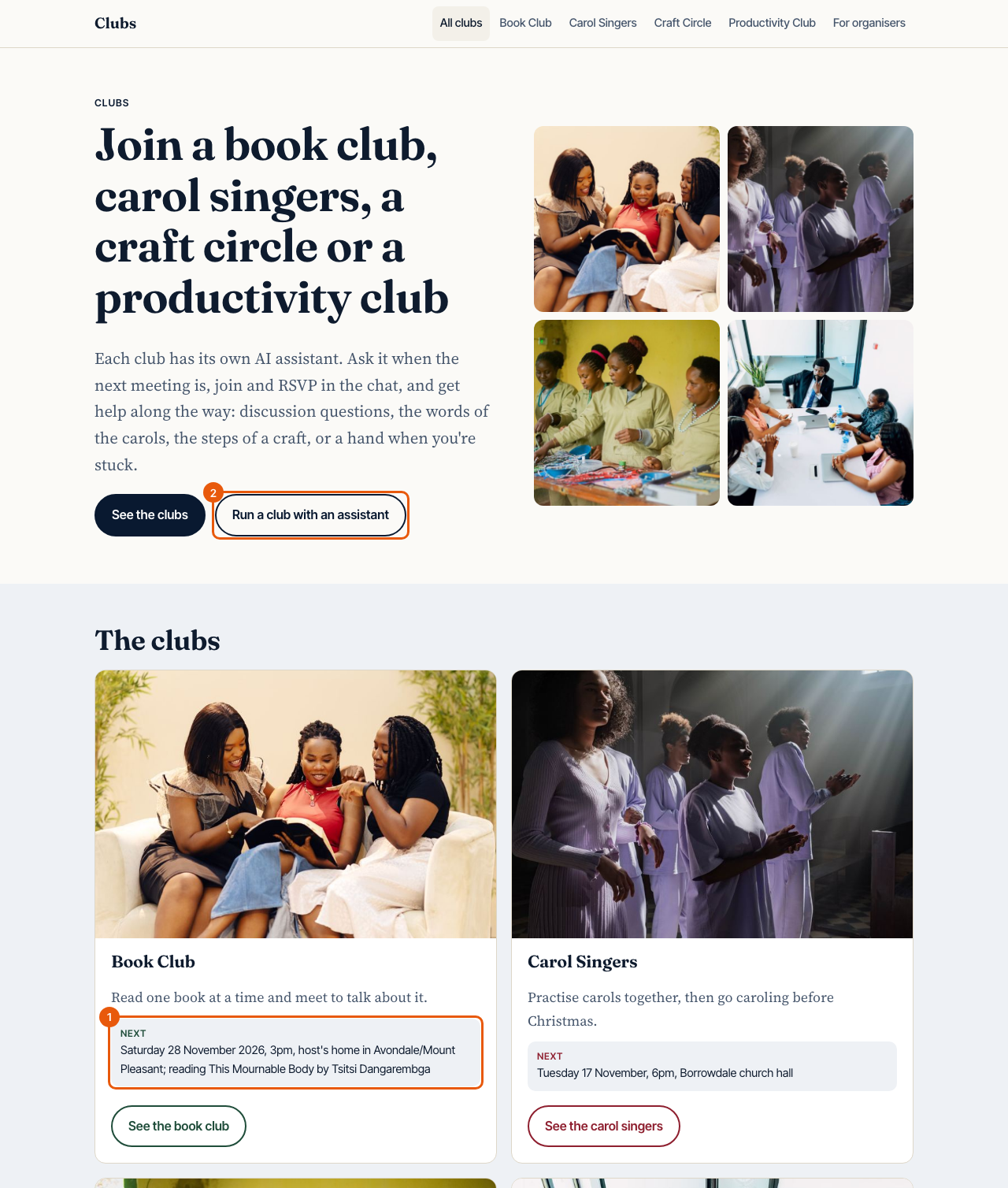
- 1 The next meeting, read from that club assistant's saved entry
- 2 The page for organisers
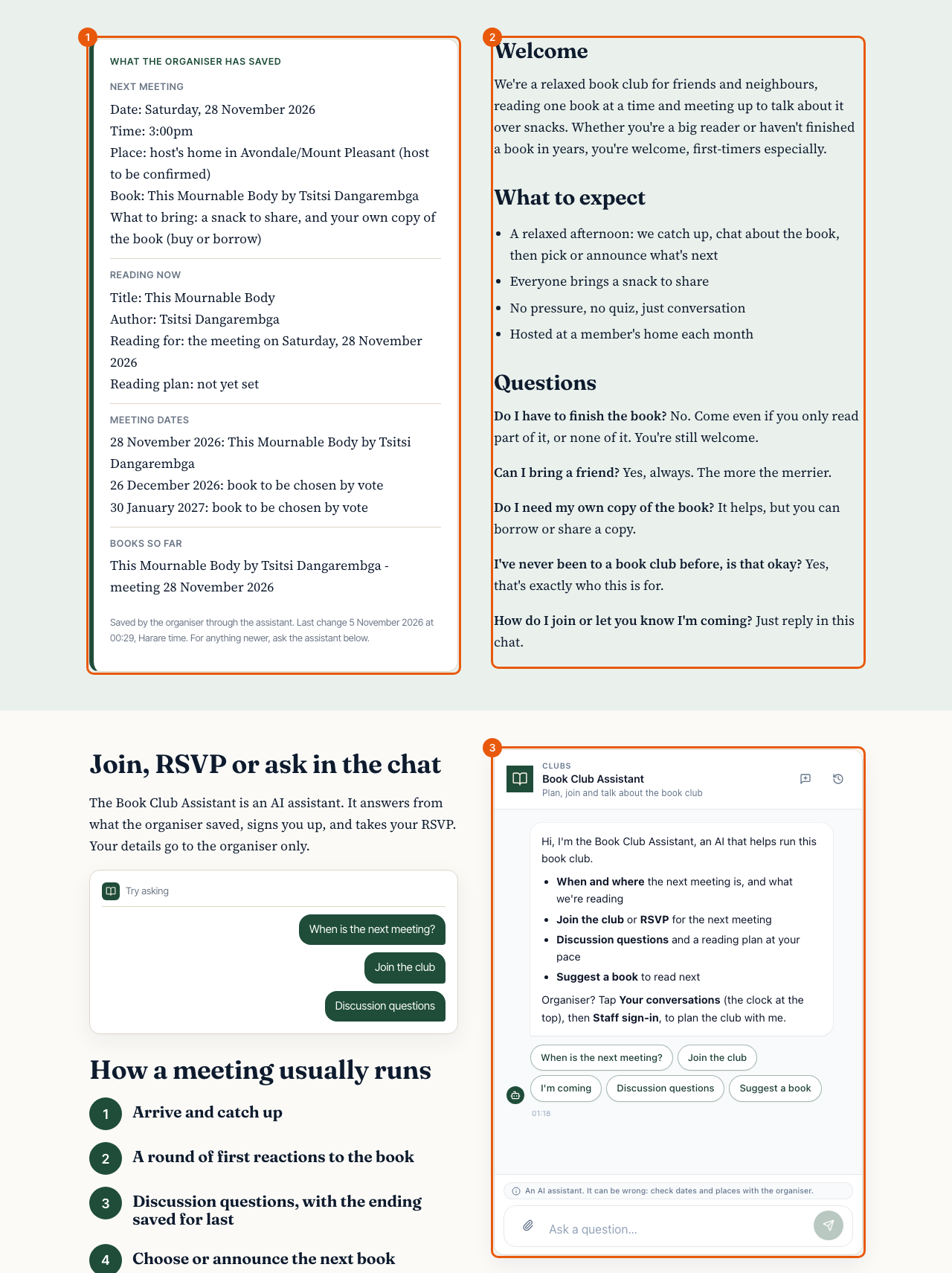
- 1 What the organiser saved through the assistant
- 2 The page words the organiser approved in the chat
- 3 The club's assistant itself
A member joins in the chat
A member taps Join the club (or says so in their own words). The assistant shows the join form inside the chat; the answers go to the organiser only.
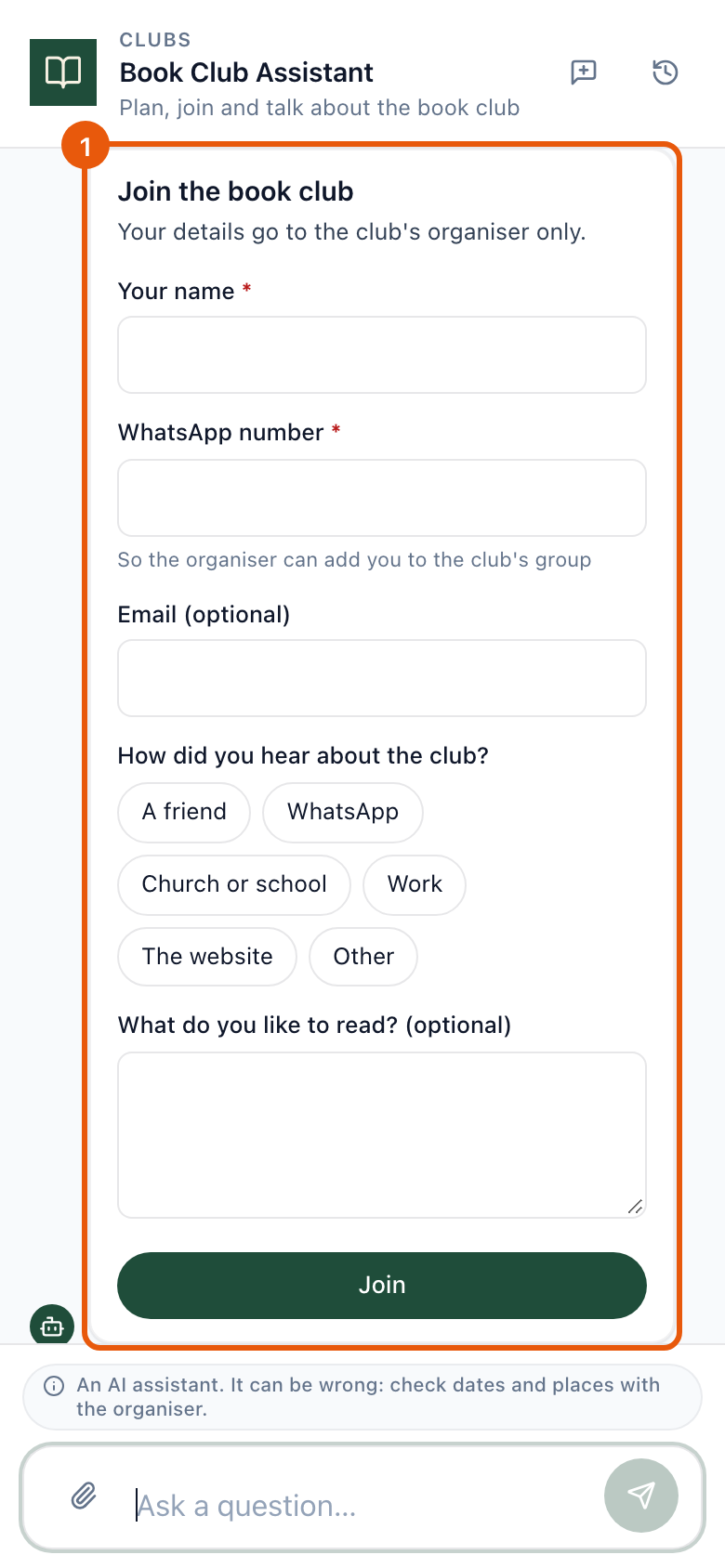
- 1 The join form, inside the chat
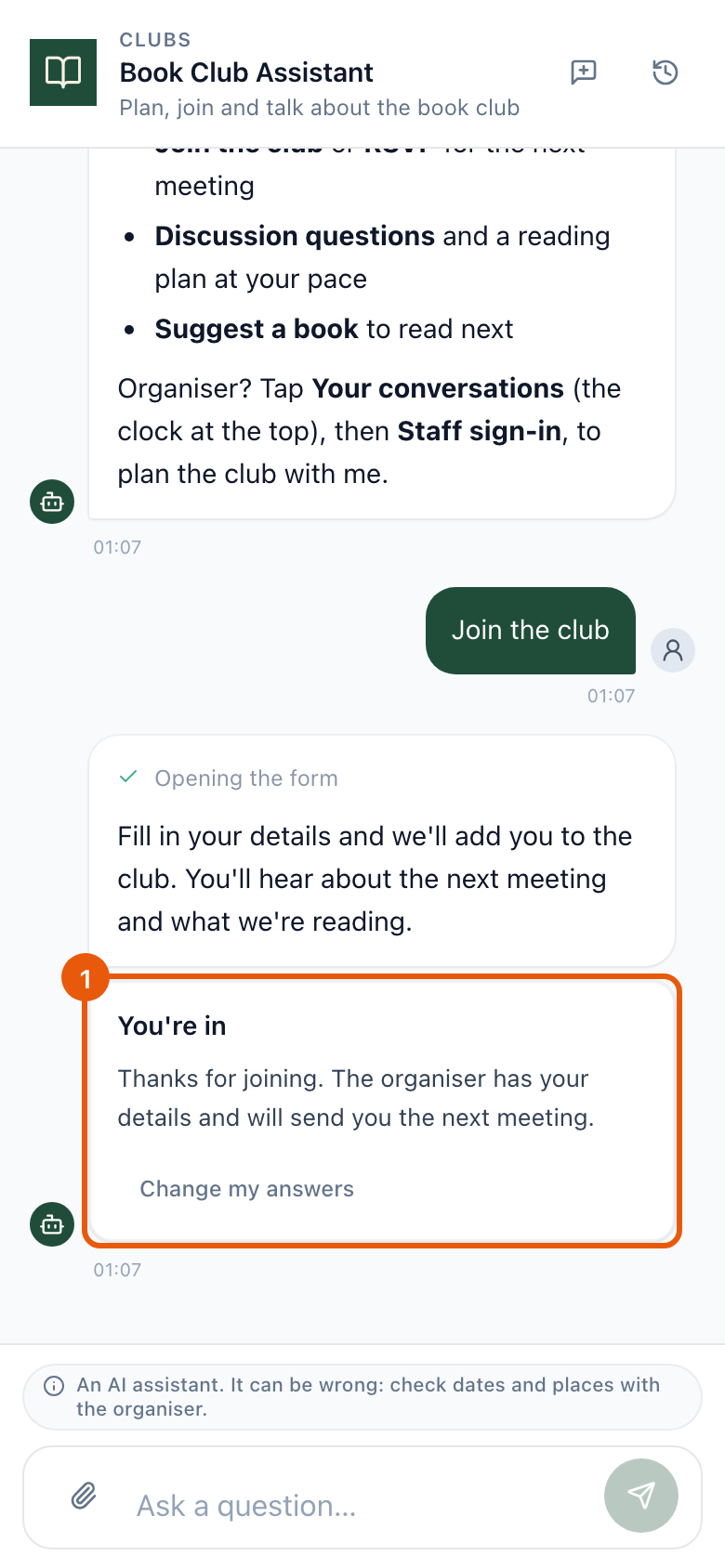
- 1 Joined: the organiser has the answers
The organiser signs in
The organiser's account is added to the club's assistant by Executive AI Studio. In the chat they tap Your conversations, then Staff sign-in, and enter the code sent to their email. Signed in, the assistant gets the organiser skills and can save changes.
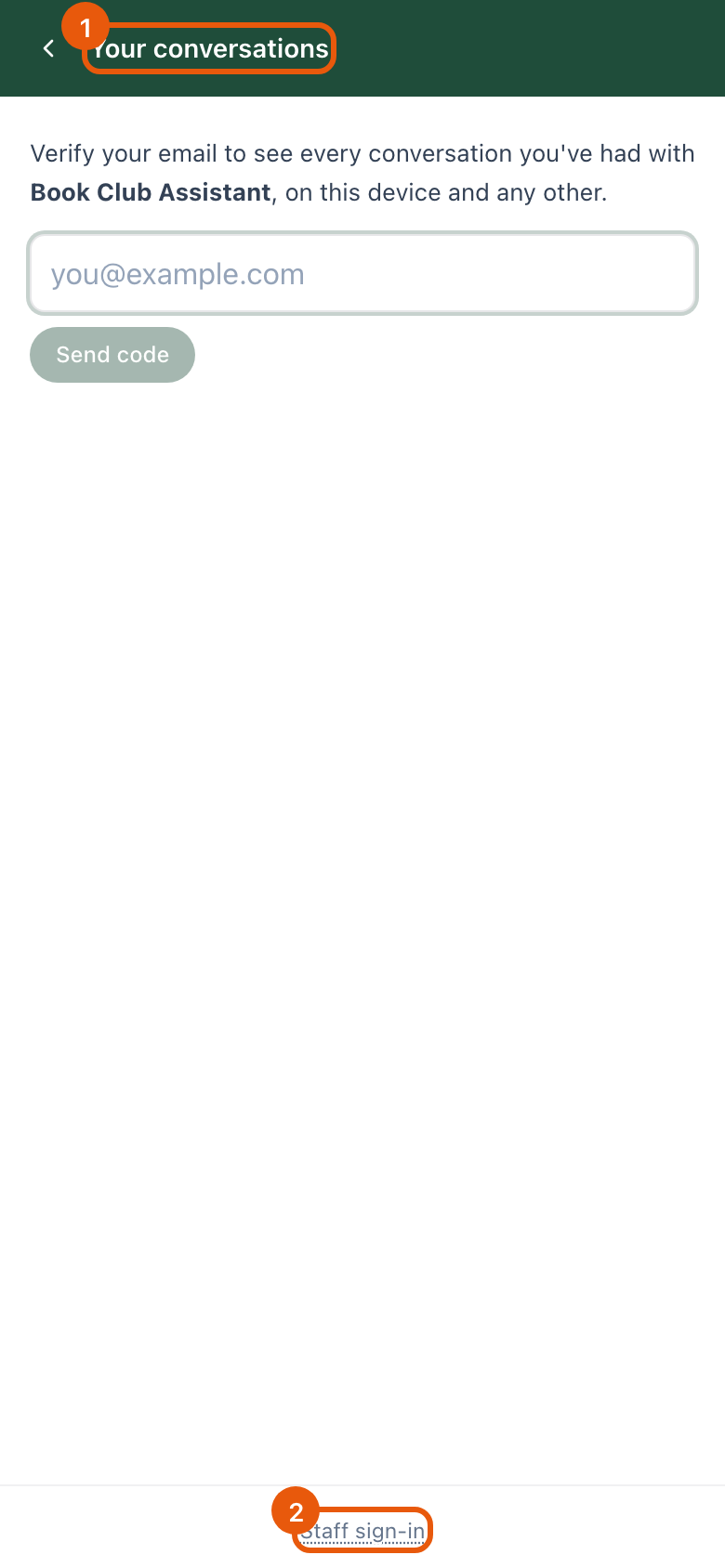
- 1 Your conversations, opened from the clock at the top
- 2 Staff sign-in, for the organiser
The organiser asks for what they need
Every change is proposed first and saved only after the organiser replies save in their next message. The engine enforces this: a change cannot be applied in the same reply that proposed it.
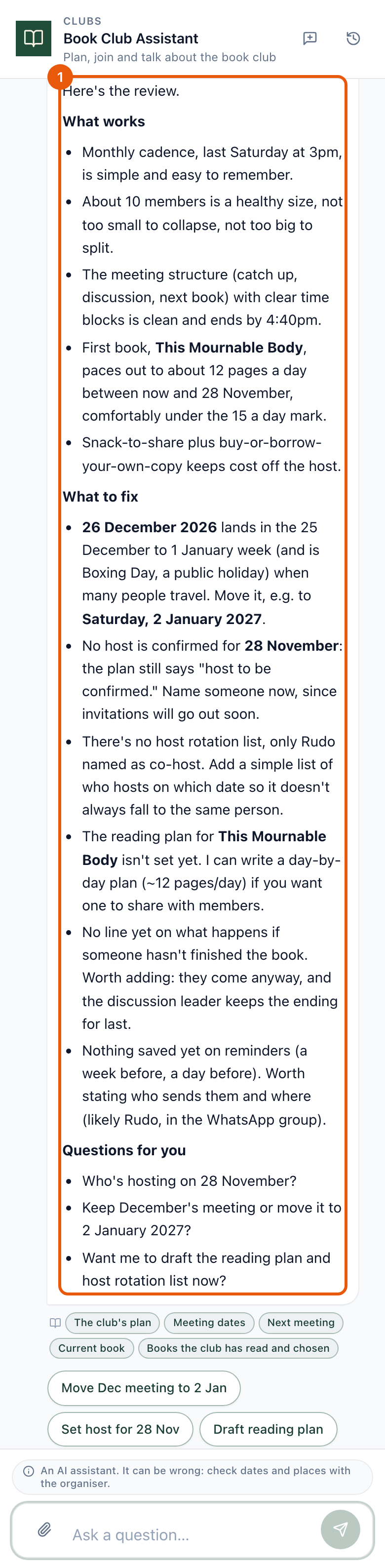
- 1 The review: what works, what to fix, questions
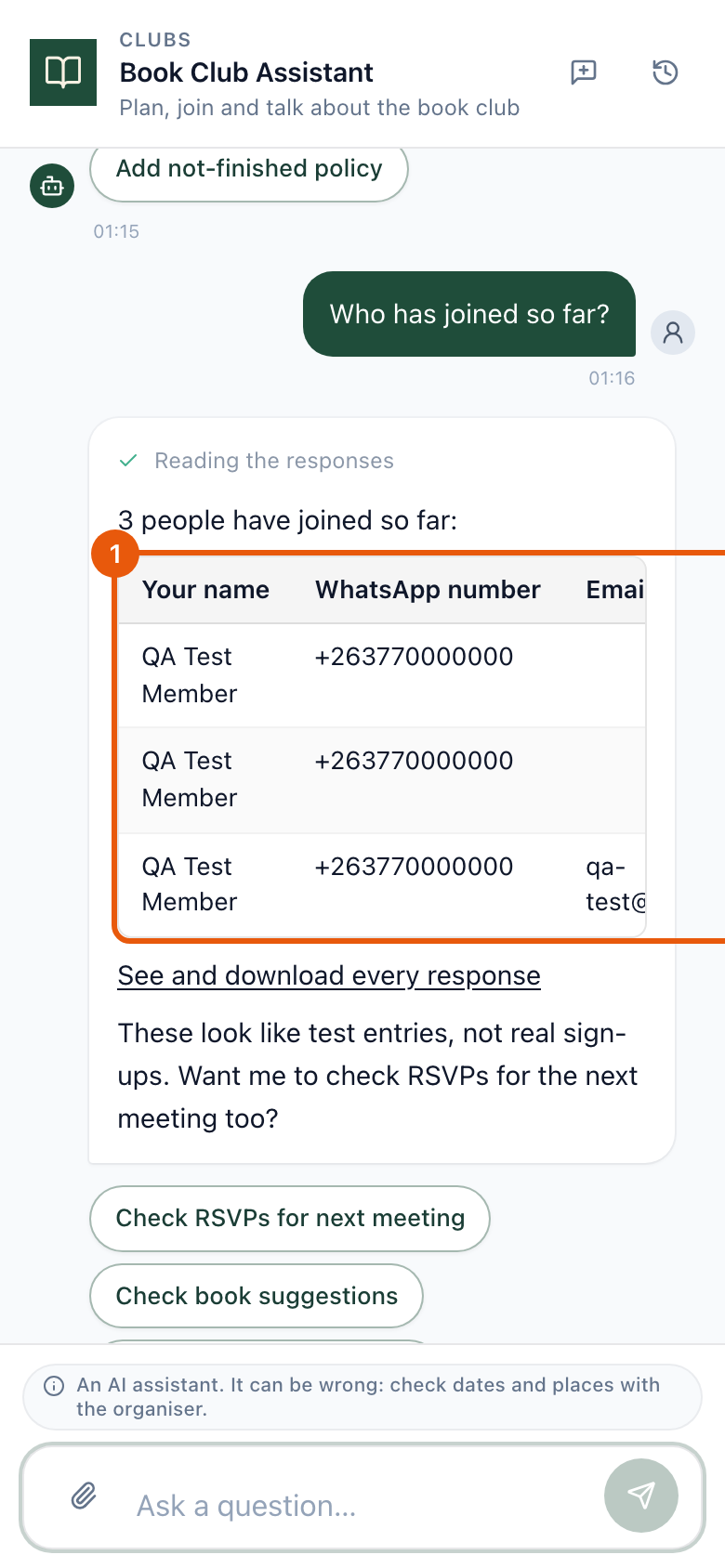
- 1 The join form's answers, read fresh for the organiser